
How it works
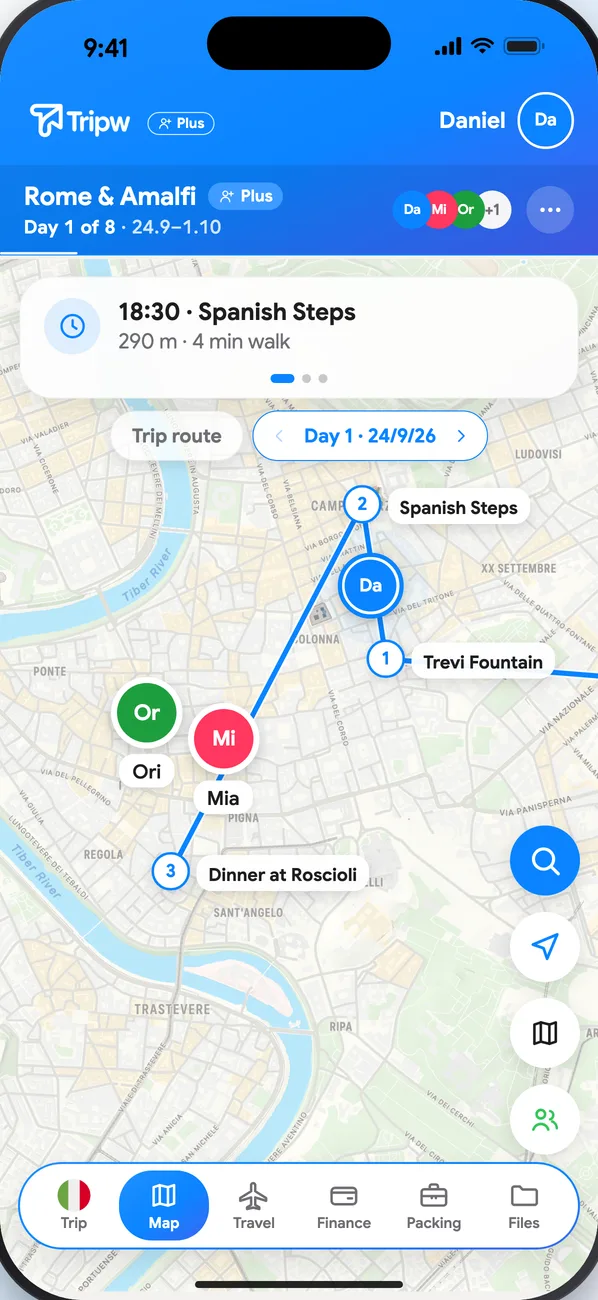
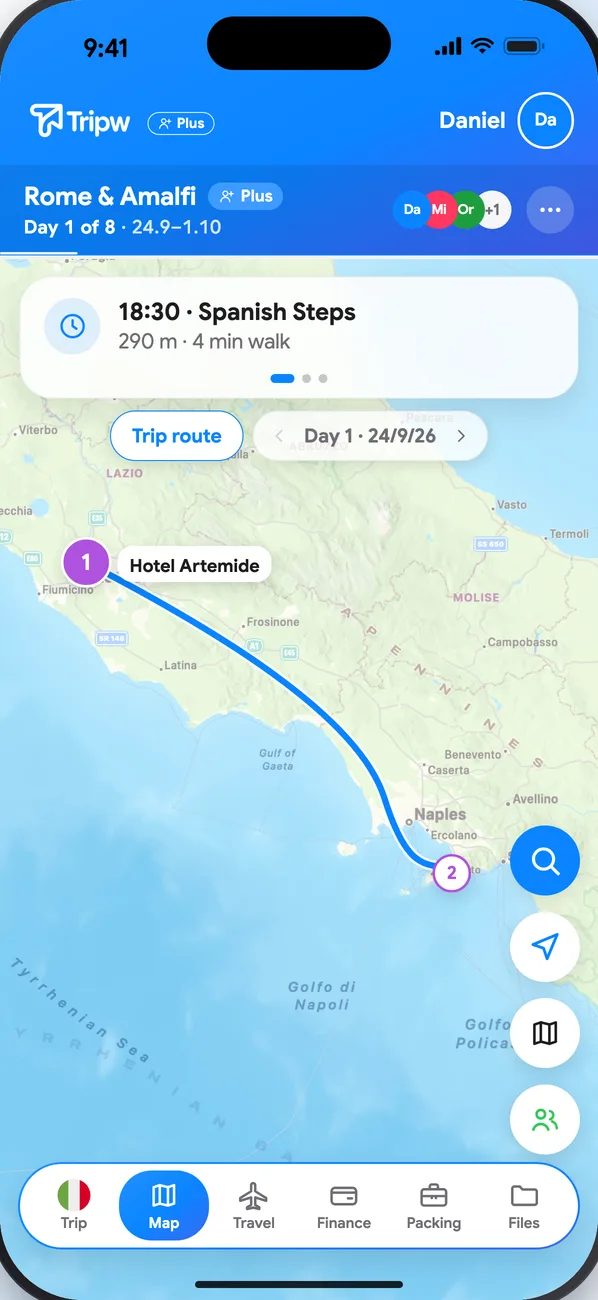
- Open Map in the trip menu. Before and after the trip you see the whole route; during the trip, today's day. Switch between Trip route and the days with the control above the map.
- Each place is numbered in the day's order, with the task's name beside it.
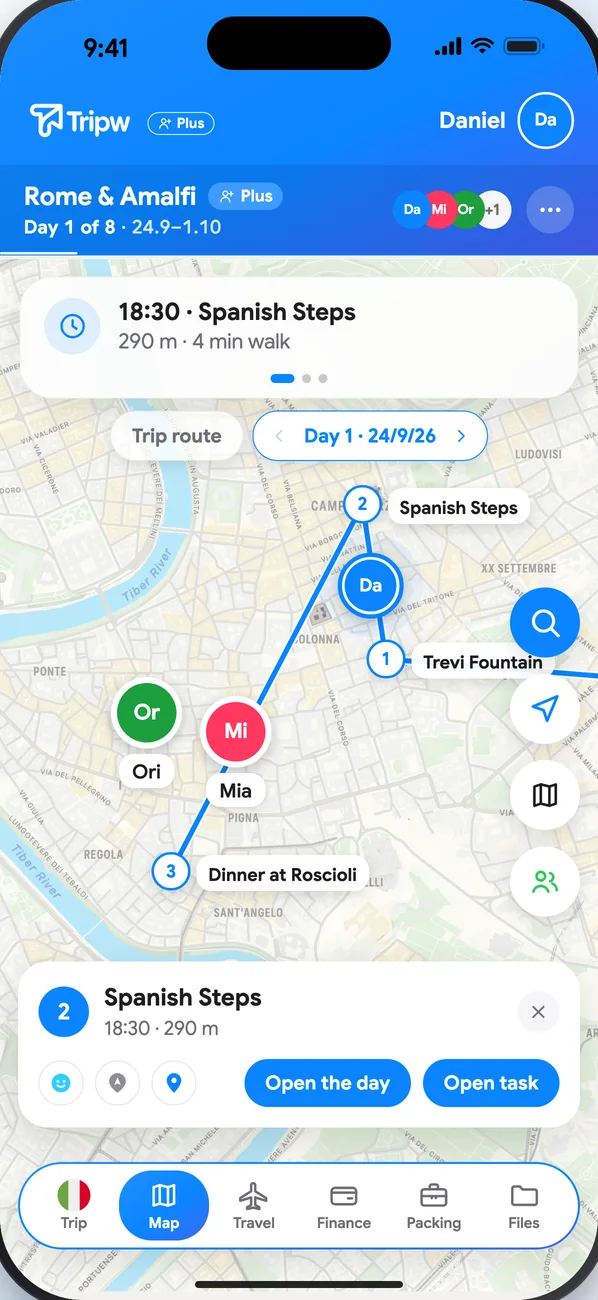
- Tap a place for a card with directions, Open the day and Open task.
Friends and what's nearby
On the trip's dates and inside the trip area you can share your location with friends and see what's nearby. Your location isn't shown outside the trip's dates and area. Places from Google (restaurants, coffee and more) are part of Plus.