
Send the invite
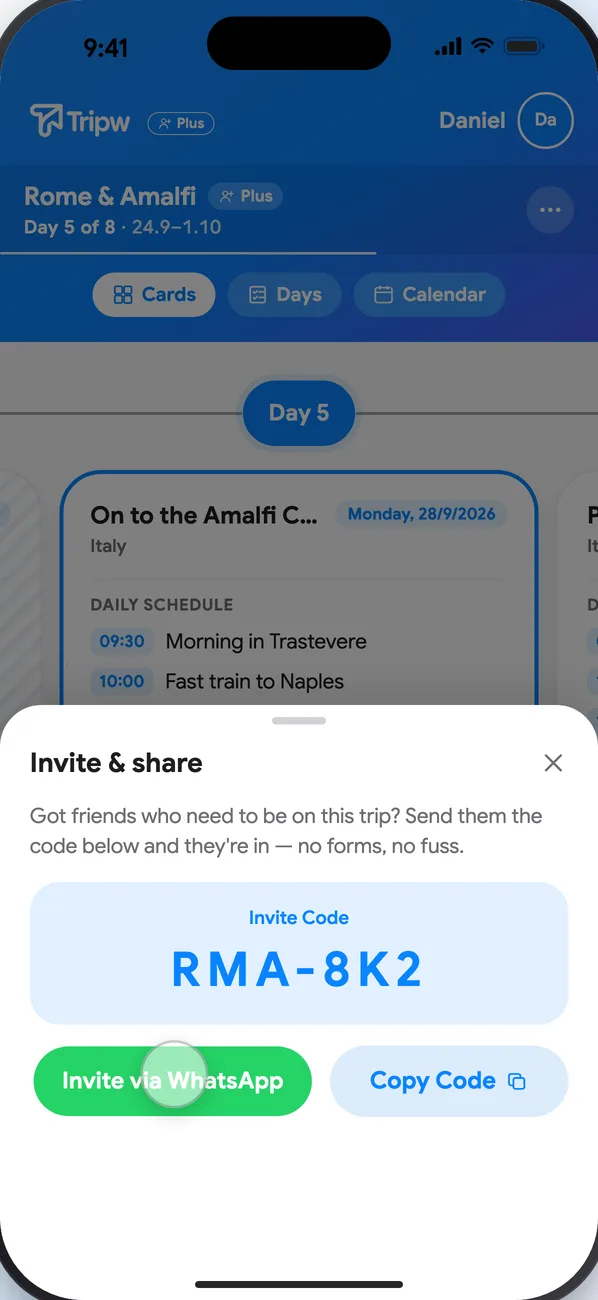
- Open the trip and tap ⋯ → Invite & share.
- Tap Invite via WhatsApp to send the link, or Copy Code to send the code any other way.
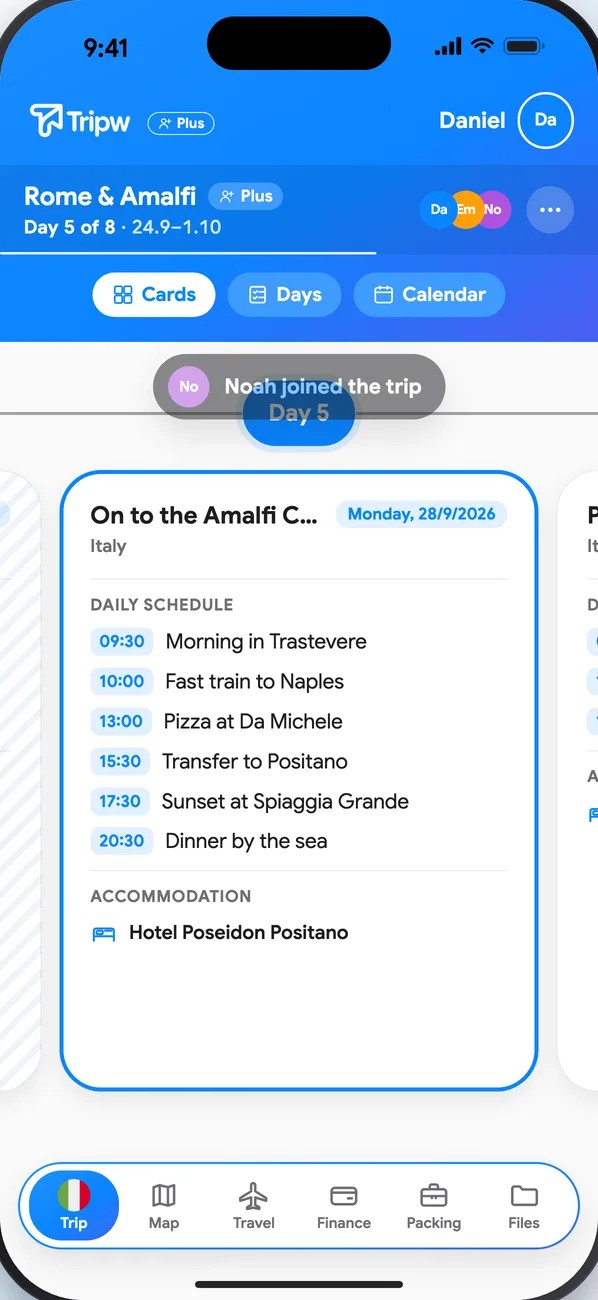
Whoever opens the link on a phone with Tripw installed lands straight in the trip. Without the app, the link shows the trip and where to download it; after installing, they open the link again to join.
Join with a code
Got a code from a friend? On My Trips, tap Join a Trip and enter the code.
Members
- See and manage who's in under ⋯ → Members.
- On a free account a trip has a limit on the total number of members. When the trip's owner has Plus, everyone who joins gets all the Plus features in that trip — without their own subscription.
- When the trip's owner has Plus, they choose when sharing whether people who join through the link get Full AI access (no requests). Otherwise a member asks for AI access from inside the trip, and the owner approves it under Members. See Plan your days with AI.