
The day planner
- In the trip, open the Day planner. Every day has a tab; swipe between days.
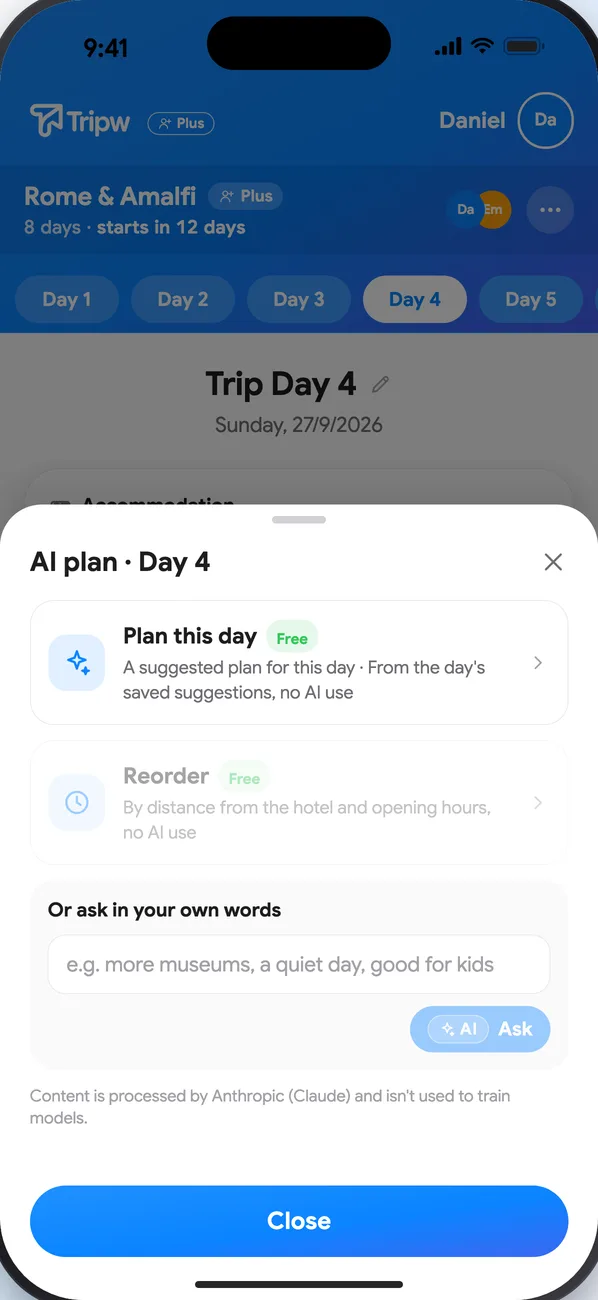
- Every day page also has an AI plan button.
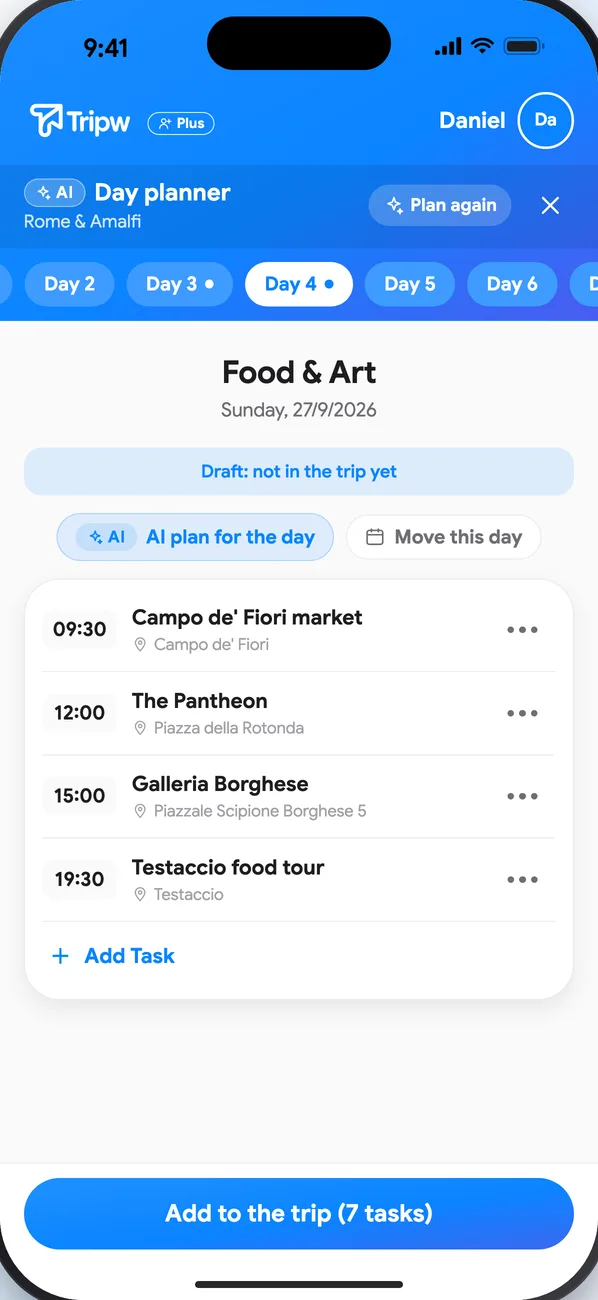
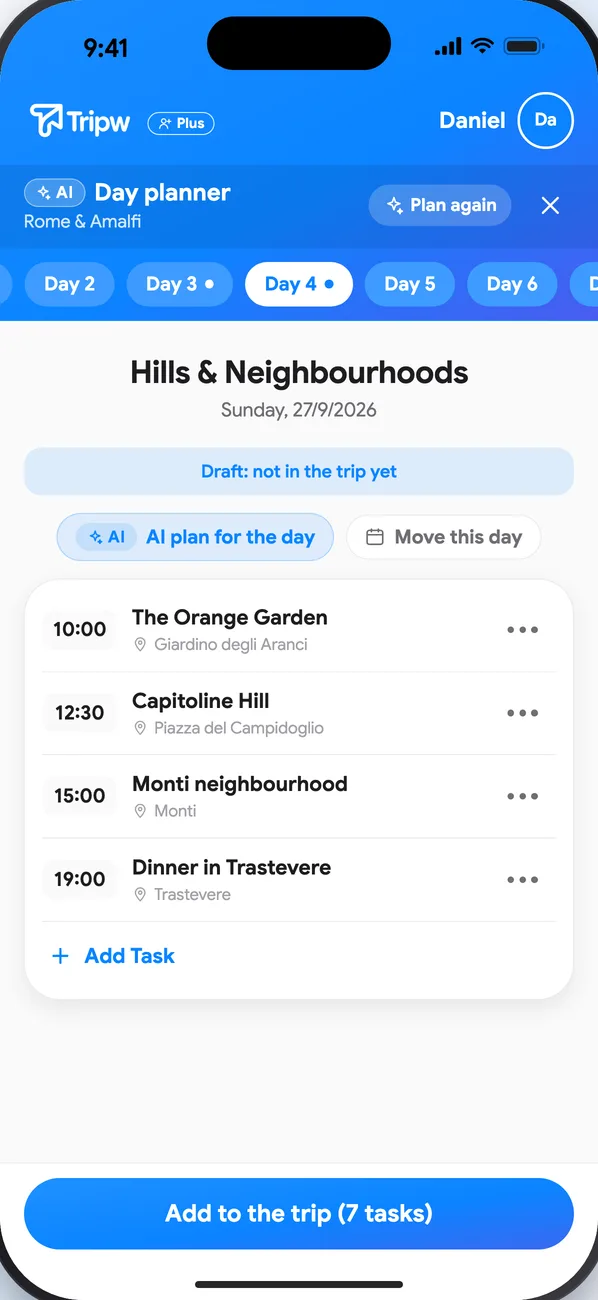
- AI suggests a plan with times and places, based on the destinations, hotels and flights already in the trip.
- Not quite right? A different plan brings other places for the same day, from alternatives AI already prepared. Reorder sorts by distance from the hotel and opening hours. Neither uses AI again or counts toward your allowance.
- Want something specific? Ask in your own words, e.g. “more museums, a quiet day”.
Edit by hand (free accounts too)
On a day page, each task's menu has Move up, Move down, Change the time and Move to another day.
Import bookings
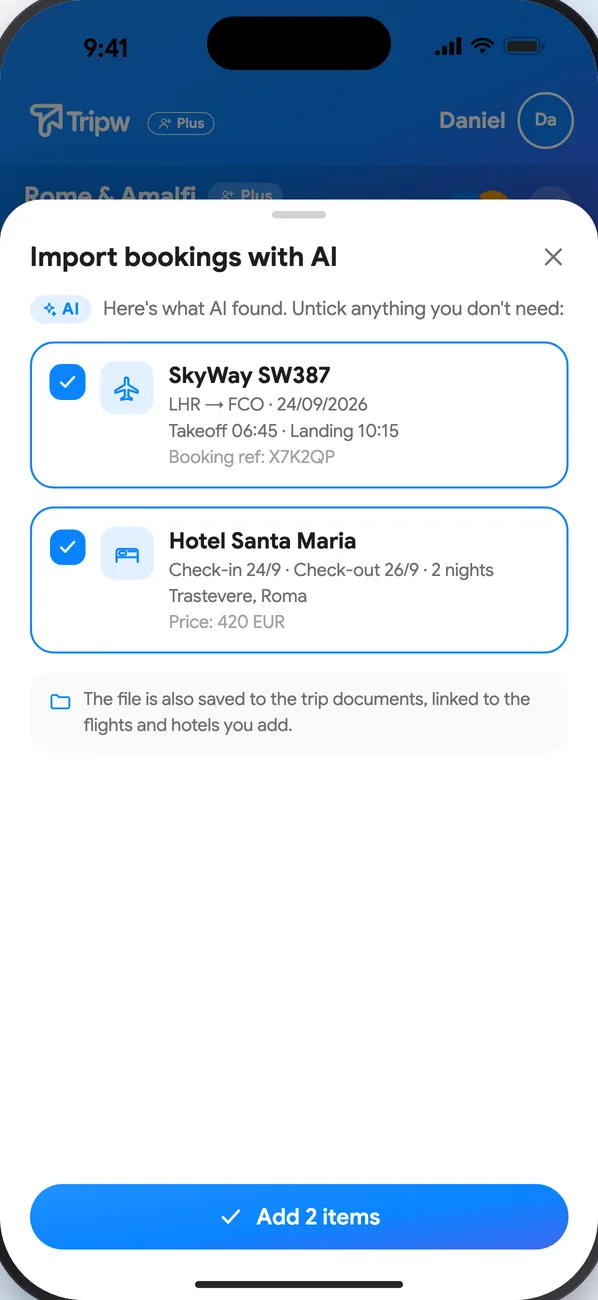
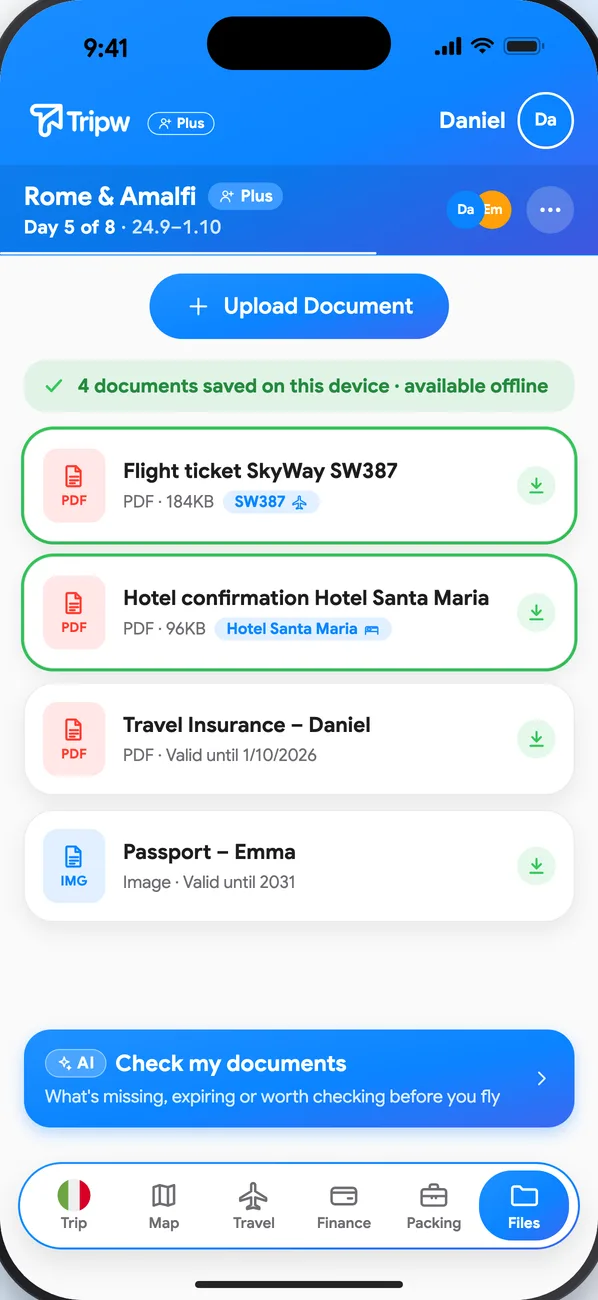
Tap Import a booking with AI and pick up to 5 PDFs or screenshots at once. You can also share them straight from another app through the share menu. Review what was found and choose what to add; the files are saved to the trip's documents.
Your data
Nothing is added to the trip until you confirm. Only what you submitted and the trip details the action needs are sent to our AI provider (Anthropic's Claude) for processing; it isn't used to train models, and you can turn AI sharing off in Settings. The AI assistant is part of Tripw Plus. In someone else's trip the AI is the trip creator's: a member without Plus sends a request, and once approved, their uses count toward the creator's monthly allowance. The creator can also give full AI access right in the invite.